
Instructional Media Services
Our Instructional Media team offers services for faculty and staff to create instructional or campus-focused media. Our studios are located on the west side of the Library, 3rd floor. From one-button studios to green screen recording, Learning Glass, and podcast recording, we help you create professional media for your projects.
Already have a project in mind? Complete our Project Request Form to get started.
Project requests will be reviewed and accepted on a case-by-case basis based on available resources, project scope, and alignment with instructional priorities.
Bring Your Ideas to Life with Podcasting
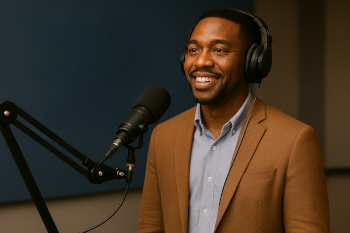 Looking to share your expertise, engage your students, or connect with the campus community? Our podcasting service makes it easy for faculty and staff to create professional-quality audio content. Whether you are launching a course companion, hosting interviews, or exploring new ways to tell your story, we provide the tools, training, and support you need. Podcasts are hosted on Kaltura.
From concept to publication, we help amplify your voice and reach your audience on campus and beyond.
Face-to-Face Teaching with the Learning Glass
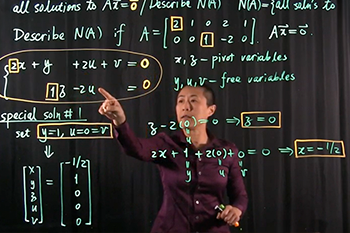 The Learning Glass is a transparent lightboard that allows instructors to create visual demonstrations directly on the glass while maintaining face-to-face engagement.
Instructors can illustrate concepts or equations using color for emphasis and contrast. Learning Glass recordings feel more personal, like a conversation rather than a lecture.
View Learning Glass Demo Video
Visual Teaching with the Green Screen
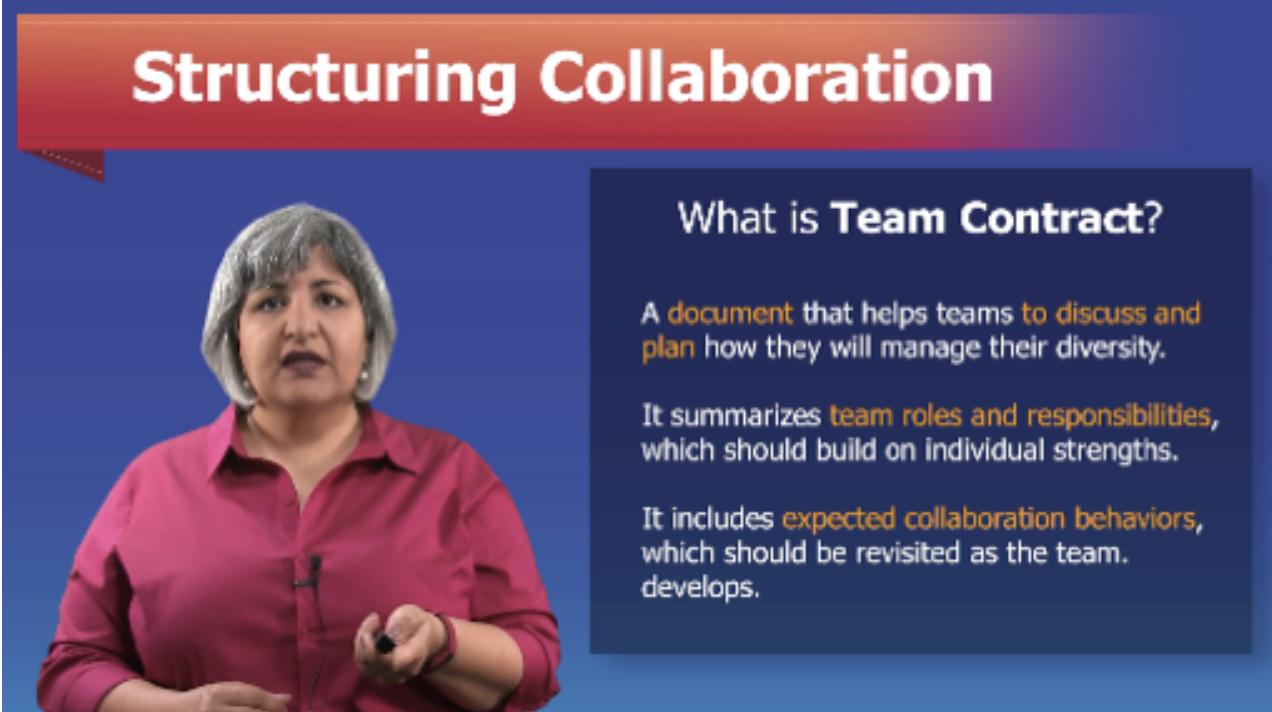 Green screen recording allows instructors to display background images and videos for a more visual and dynamic learning experience while presenting instructional content.
Your Lecture. Your Schedule. One Button.
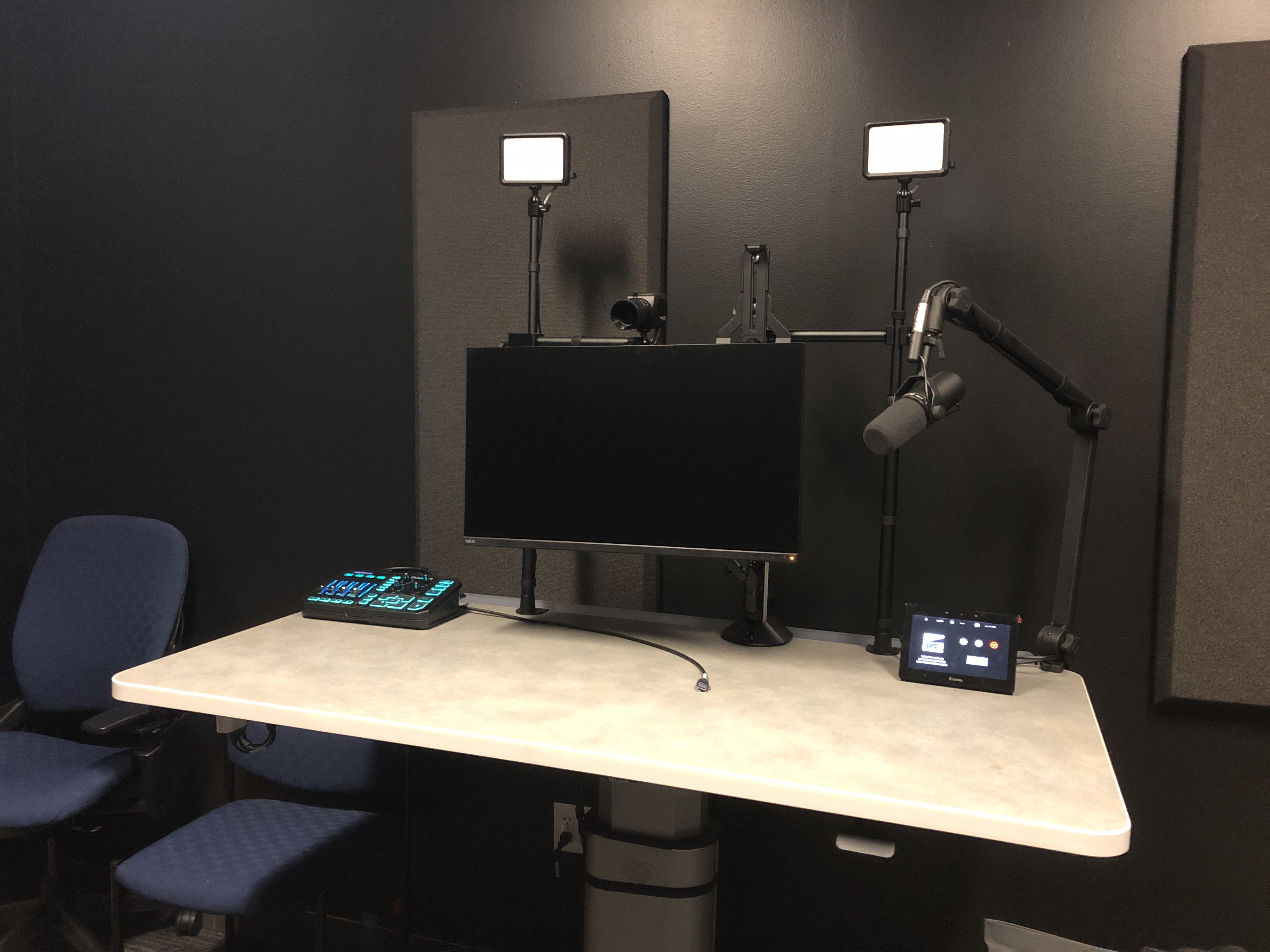 The One-Button Studio is a self-service recording space equipped with professional cameras and software to record lectures and publish directly to Kaltura for use in CatCourses.
There is no need for a camera crew. Faculty can record lecture content at their convenience with a single button press.
View One-Button Studio Demo Video
Schedule a Consultation
 For more information about recording in the Instructional Media Studio, schedule a consultation with our expert team for personalized guidance.
Schedule an Instructional Media Studio Consultation


